

Updated Login Process
Starting 2/16, the Volunteer Portal login process changed. Get Connected by Galaxy Digital - the software used for the Portal - implemented Global Profile, a new login process for all volunteer sites using the software.
The login page now looks different. The Volunteer Portal's Login button will automatically take you to the Global Profile login page (shown below). Once you have logged in, you'll be redirected back to our Volunteer Portal.
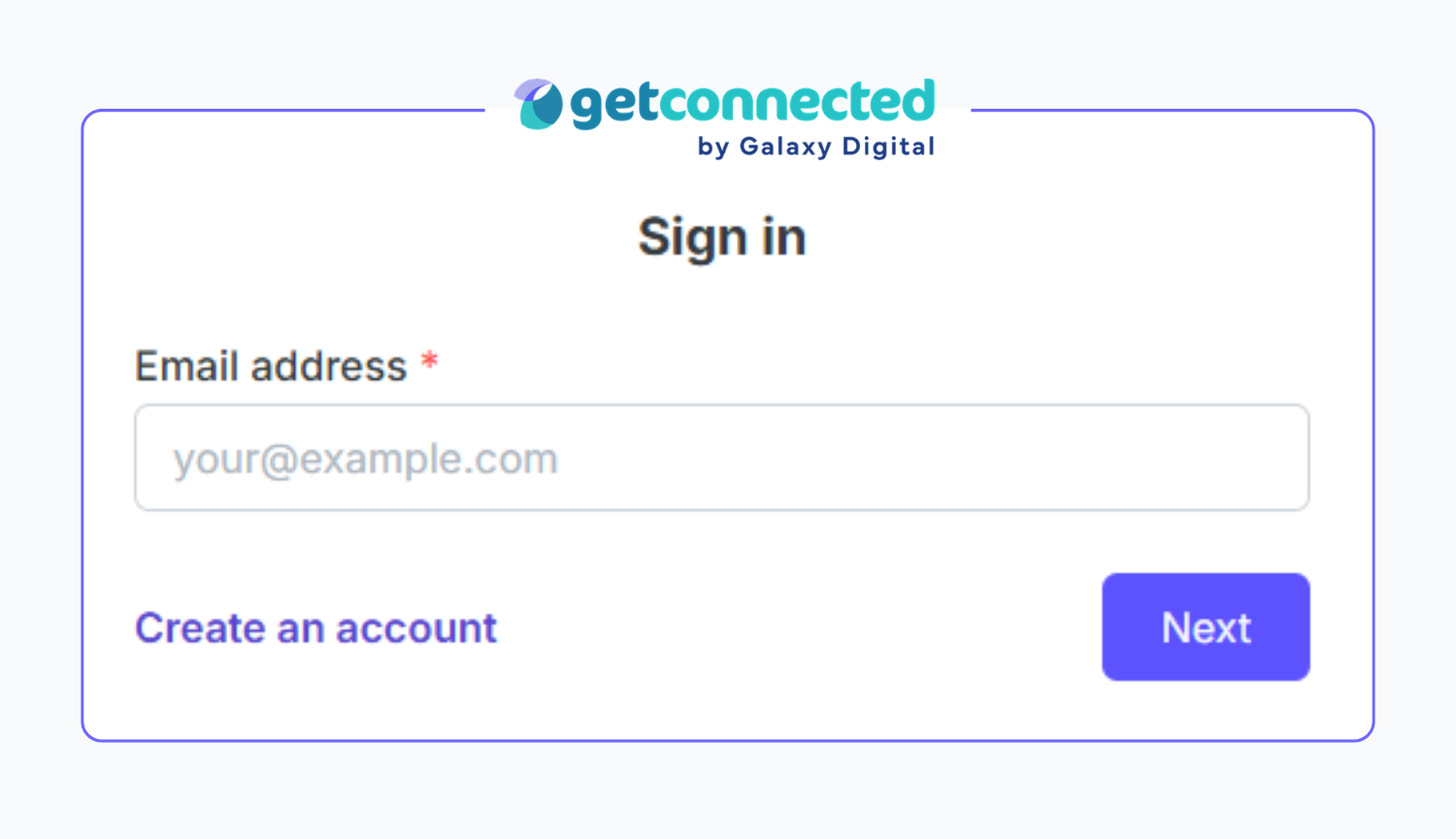
This page details:
- What to expect on your first login after rollout
- How to prepare for Global Profile
- What to expect after the rollout
Your First Login
The first time you log in after Global Profile goes live, you will be required to verify your email address and update your password to meet new requirements.
1. Email Verification
When you first log in, you'll need to verify your email address. A verification code will be sent from [email protected]. If you do not see it right away, search your spam and junk folders.
2. Password Reset
After verifying your email, you'll be prompted to update your password. Passwords must be at least 8 characters long and include:
- An uppercase letter
- A lowercase letter
- A number
- A symbol/special character (i.e. ! @ # & * " < , > / ? ~)
- A minimum of 8 characters
3. Login with Your New Password
After resetting your password, you'll be prompted to enter your email and new password to login. You'll then be directed to your Volunteer Portal homepage.
Ongoing Impact
The introduction of Global Profile will change how account management work and how VIP Staff can assist with certain account features. VIP Staff cannot update your password, first or last name, email address or profile photo.
These pieces of information are now linked to your Global Profile and can only be updated by you. You can make changes to your Global Profile by:
- Log in to your VIP Volunteer Portal account
- Click your profile image or initials in the top-right corner
- Select Edit Profile from the dropdown menu
- Click Update My Account to access your Global Profile dashboard
- Once logged into your Global Profile, select Profile, update any necessary information and click Save
Videos of these steps are available in this Help Article from Get Connected by Galaxy Digital.
Forgotten Passwords
If you cannot log in to your account, you must use the Forget Your Password? option on the login page. Password reset emails will be sent from [email protected]. VIP Staff cannot provide a temporary password or reset it for you.
Incorrect Name on Account
If you need to update your name, you must do so through your Global Profile. Make sure the name on the account is for the volunteer not a parent or guardian.
For consistency, we ask that your name be formatted with the first letter of each word capitalized and all other letters lowercase.
If you use a preferred, middle or nickname, you can add it in paratheses after your legal first name. Your first and last name are printed on schedules/sign-in sheets, so it's great for a nickname to be directly listed in that field.
Examples of ideally formatted names:
- Prachit Shao
- Jennifer Anders
- Theodore (TJ) Billings
- Artemio (Art) Gonzales-Parra
Updating Email Address
If you need to update your email, you must do so through your Global Profile. VIP Staff can not update this for you.
If you cannot access your Global Profile and need to update your email, please email [email protected] and we will submit a help ticket for you.

